

Latest Version
Heliguy
Travel & Local
Linux
Free
io.github.flattool.Ignition
Report a Problem
More About Ignition
Streamlining Your Linux Boot Sequence with Ignition
Ignition startup manager is an elegant utility designed specifically for Linux users who want complete control over their system's boot behavior. Developed by Heliguy, this lightweight application addresses a common pain point in the Linux ecosystem: the lack of a centralized, straightforward interface to manage applications and scripts that execute upon user login. Whether you are a system administrator automating routine checks or a desktop enthusiast aiming to shave seconds off your boot time, this tool provides a clean solution without the need to manually edit configuration files.
Who Benefits Most from This Startup Utility?
While power users are comfortable navigating systemd services or manual desktop entry directories, the average user benefits greatly from a visual approach. The Ignition startup manager is ideal for:
- Desktop Enthusiasts: Easily launch your favorite web browser, communication tools, or music players immediately after logging in.
- Developers and Sysadmins: Trigger custom scripts, environmental setups, or background daemons automatically without writing complex systemd unit files.
- Minimalist Users: Keep your system clean by identifying and removing redundant startup entries that slow down your initial login experience.
Core Features and Capabilities
The beauty of this application lies in its simplicity. It does not try to overcomplicate the boot management process. Instead, it focuses on delivering a reliable, user-friendly interface to handle three primary actions:
- Add Entries: Quickly register new applications, shell scripts, or arbitrary terminal commands to execute at login.
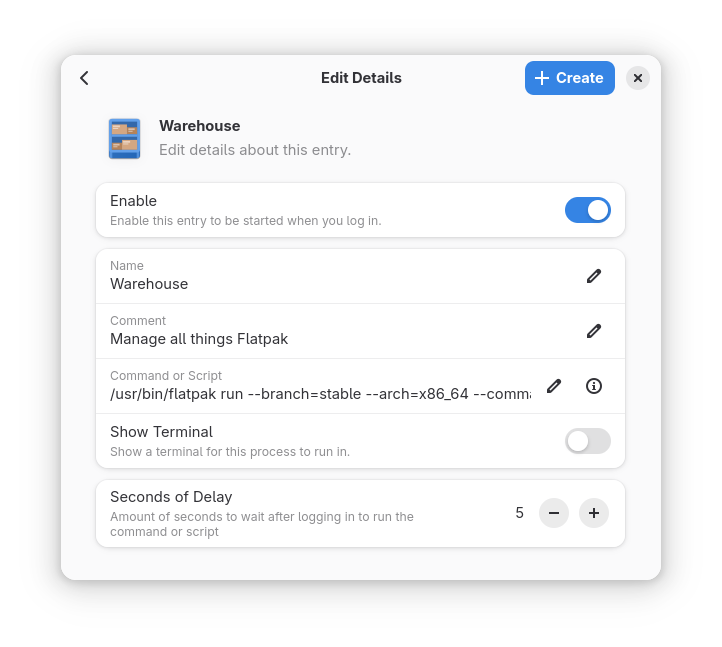
- Modify Existing Tasks: Edit paths, parameters, or execution arguments for current startup items on the fly.
- Remove Redundancies: Delete obsolete background tasks with a single click, ensuring your system resources are preserved.
A Clean, Distraction-Free Interface
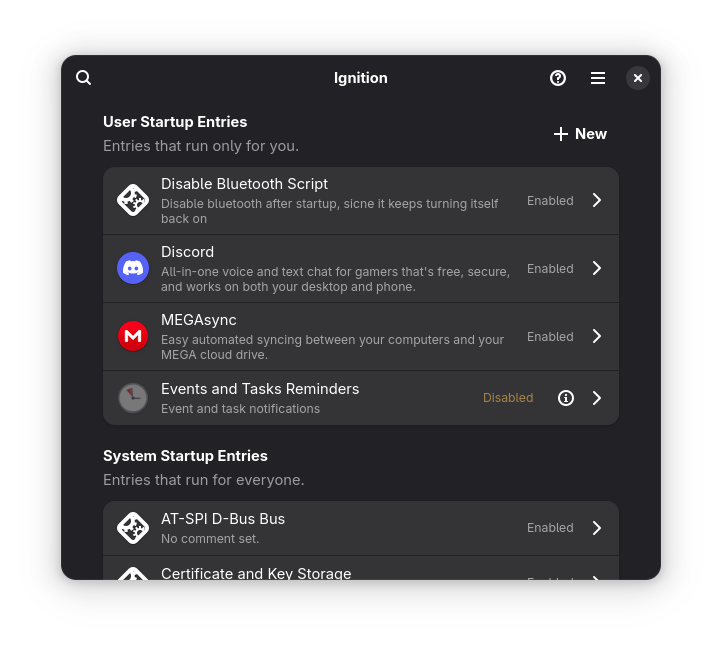
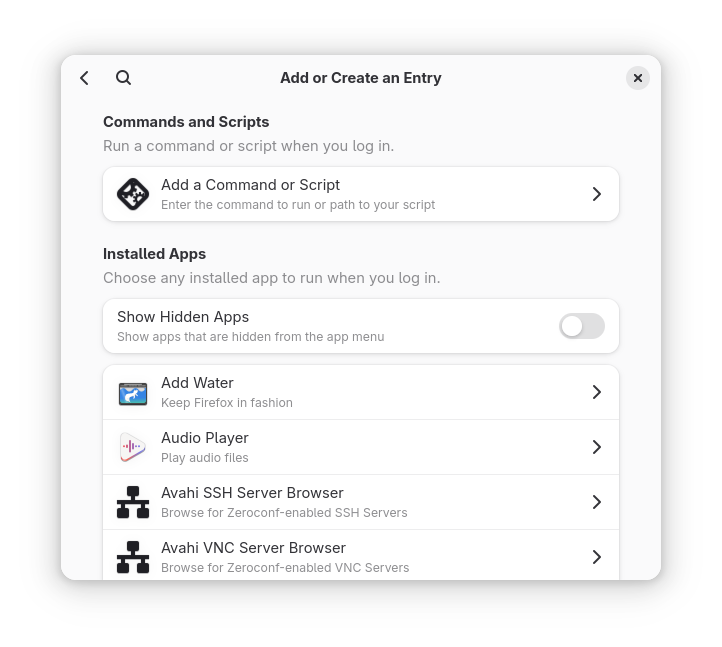
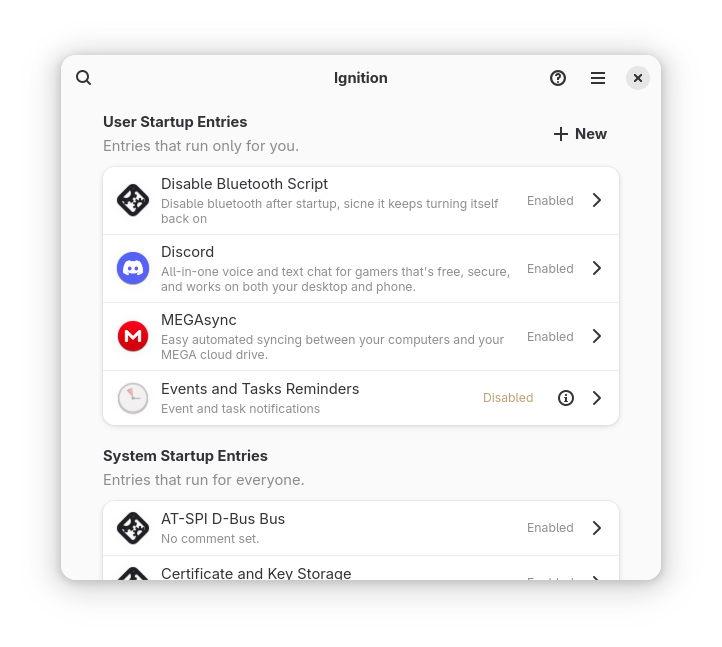
The user interface is designed to blend seamlessly into modern Linux desktop environments. Rather than overwhelming you with technical jargon, the Ignition startup manager displays your startup entries in a clear, digestible list. Adding a new task is as simple as pointing to an executable or typing in a custom command. This straightforward design ensures that even those new to Linux can configure their startup environment safely and efficiently.
Our Verdict: A Must-Have Tool for Desktop Optimization
Ignition succeeds by doing one job exceptionally well. By removing the complexity from login script management, it empowers Linux users to personalize their desktop initialization sequence with confidence. If you are looking to take charge of your system's performance from the moment you enter your password, we highly recommend exploring this utility. You can find more details and access the application directly on its official Flathub store page.
Rate the App
User Reviews












Popular Apps










Editor's Choice